Deploy status
See which issues have reached dev, uat or prod
Status comes from your GitLab environments, including deploys from a branch or tag and from a separate deploy repo.
DeployPMS-41
devsha-3d1538e10 min ago
uatsha-3d1538ejust now
prodawaiting release
However your team deploys
Each project picks how it deploys: GitLab environments, branches and tags, or a deploy repo. Excora can suggest the rules from the branches and tags already in the repo, and shows which environment each tag counts as before you save.
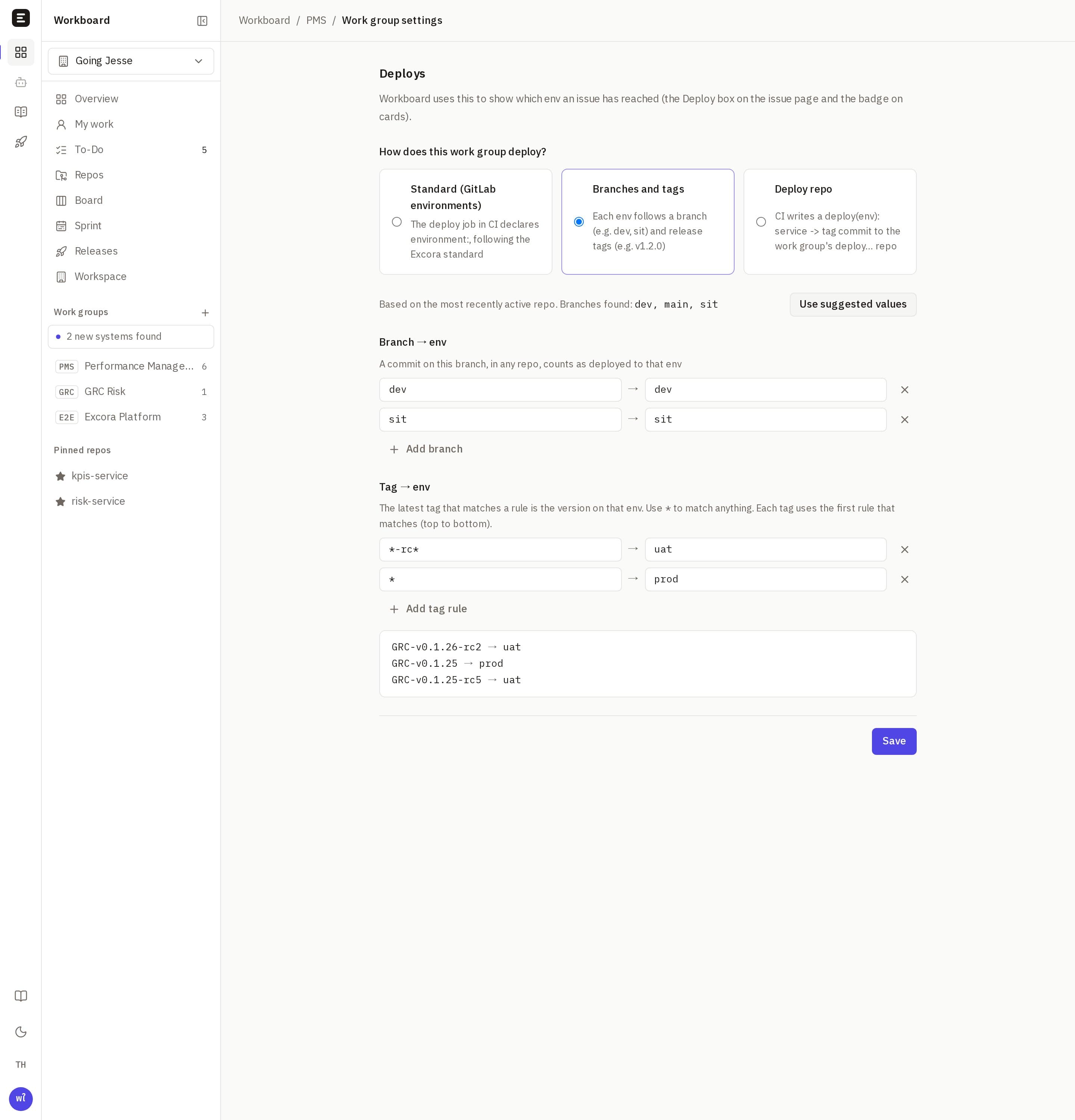
See where an issue is deployed
The issue page and its card on the board show which environments the issue's code has reached: deployed, partly deployed or not yet. If a deploy rolls back, the issue's status goes back too.
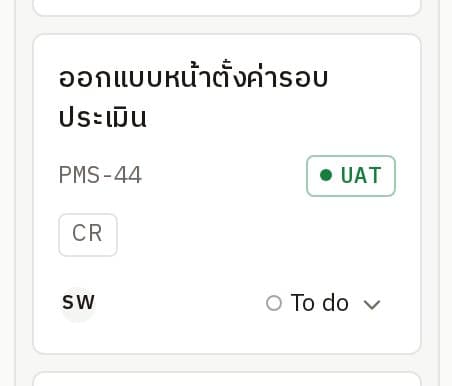
One status for the whole team
Dev, QA and PM read the same badge on the card, so nobody has to ask in chat.
- The badge shows the furthest environment fully reached
- Each environment shows deployed, partly deployed or not yet
- When a deploy rolls back, the badge goes back too
Works with
- Issues and codeCommits and MRs link themselves from the issue keyOpen
- WorkboardBoard, issues, my work, to-doOpen
- SprintsPlan rounds, follow them on a burndownOpen