Put the issue key in a commit and the code links to the issue on its own
Commits and merge requests that carry an issue key in the message or title are linked to the issue within minutes.
fix: quarterly KPI score formula (PMS-41)
a1b2c3d · kpis-service
test: quarters shorter than 3 months PMS-41
9f04e21 · kpis-service
PMS-41 Fix KPI formula
!212 · merged
The issue key links the code
Put the key, such as PMS-44, in a commit message, a branch name or a merge request title. Within about 5 minutes it shows under Related code on the issue, with the repos it touched. Forgot the key? Paste the commit link or SHA.
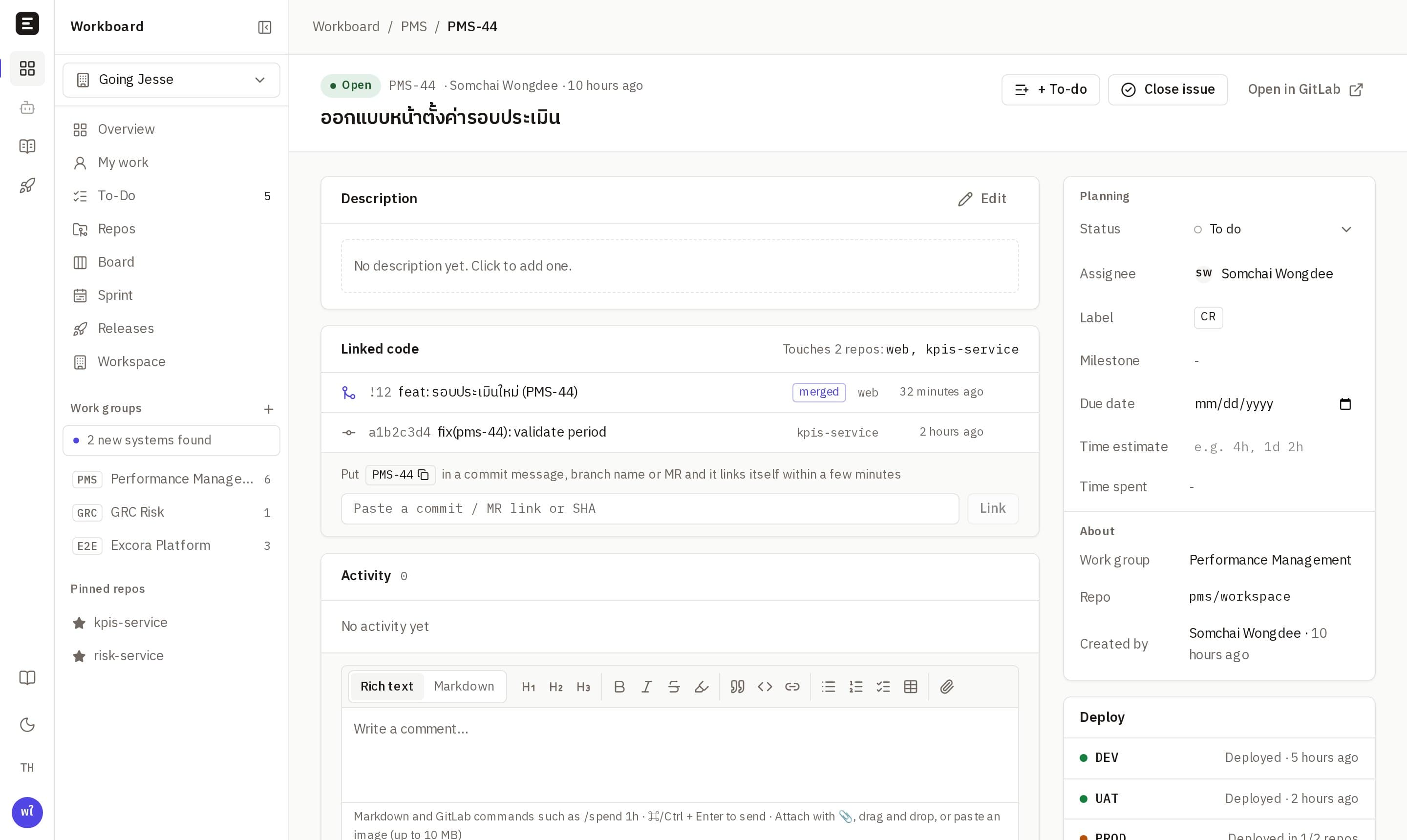
Open the code in GitLab in one click
Every commit and merge request linked to an issue opens in GitLab in a new tab, from the issue page, the overview and Mine. Review and merge where your team already works; Excora keeps the links and where the code runs.
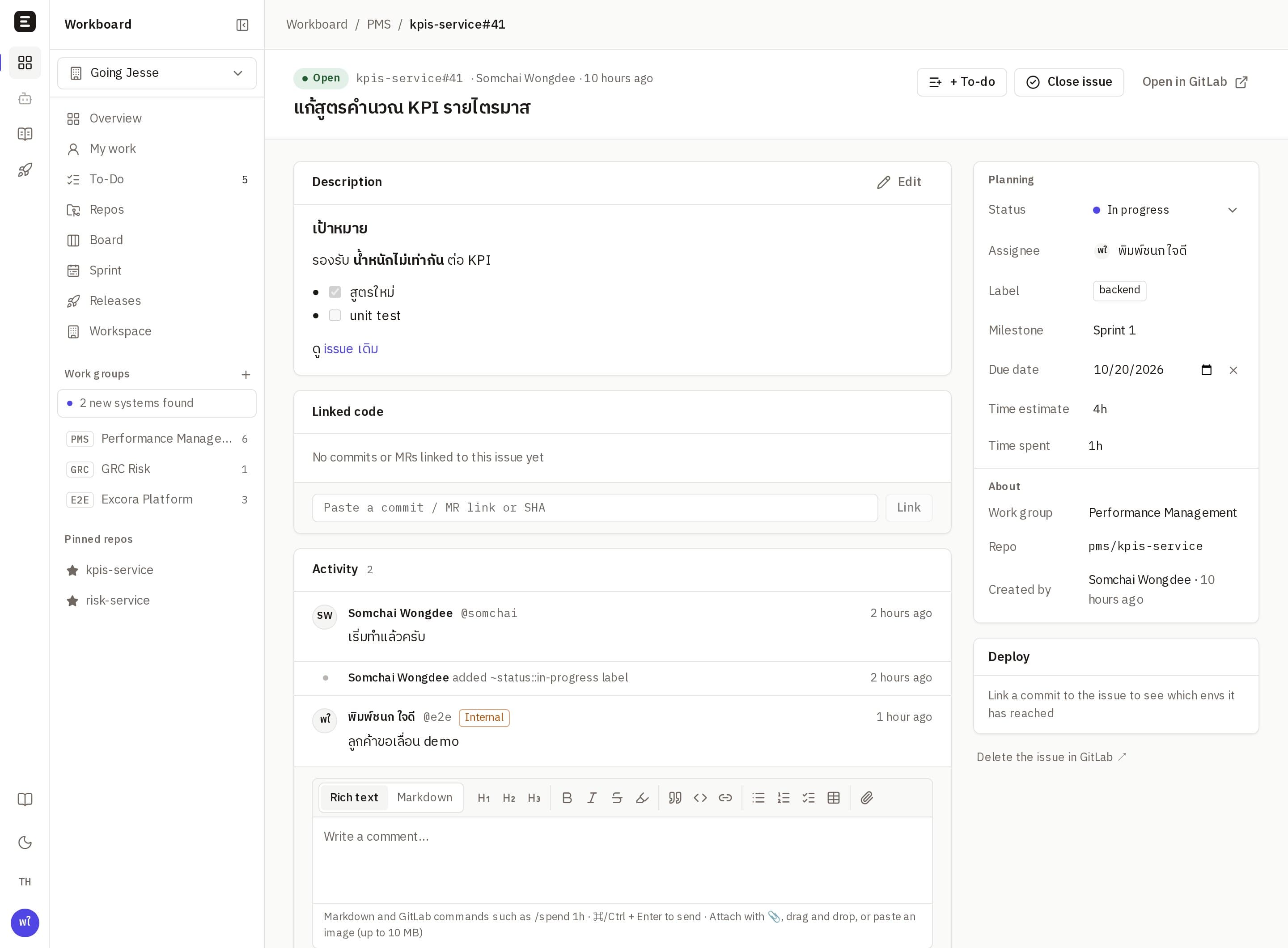
Every repo of the project in one list
The Code tab lists the project's repos. Each one opens in GitLab.
- Link a repo when you create the project, or later in its settings
- A repo sits in one project
- Taking a repo off changes nothing in GitLab
Works with
- WorkboardBoard, issues, my work, to-doOpen
- Deploy statusEnvironments, branch/tag, deploy repoOpen
- SprintsPlan rounds, follow them on a burndownOpen